The easiest way to get started with digital signage.
Plug in. Upload. Display. GuzelBoard makes digital signage effortless — no tech skills, no expensive hardware, no headaches.
Everything you need, nothing you don't.
Install the app, open the web panel, drag in your content. That's it. No complicated setup or technical knowledge required — if you can use a browser, you can run digital signage.
One screen, zero cost, no credit card. Our free plan covers one screen forever. Upgrade only when you're ready to grow — no pressure, no tricks.
Internet drops? Your content keeps playing from local cache. Your screens never go dark, even when your connection does.
Works with Fire TV Sticks, Chromecast, and most Android TV devices. No proprietary hardware — use what you already own.
From unboxing to displaying in under 5 minutes.
Download the free app on your Android TV, Fire TV, or tablet.
Log in to the web panel and upload your images, URLs, or content.
Your screens light up instantly. Manage everything remotely.
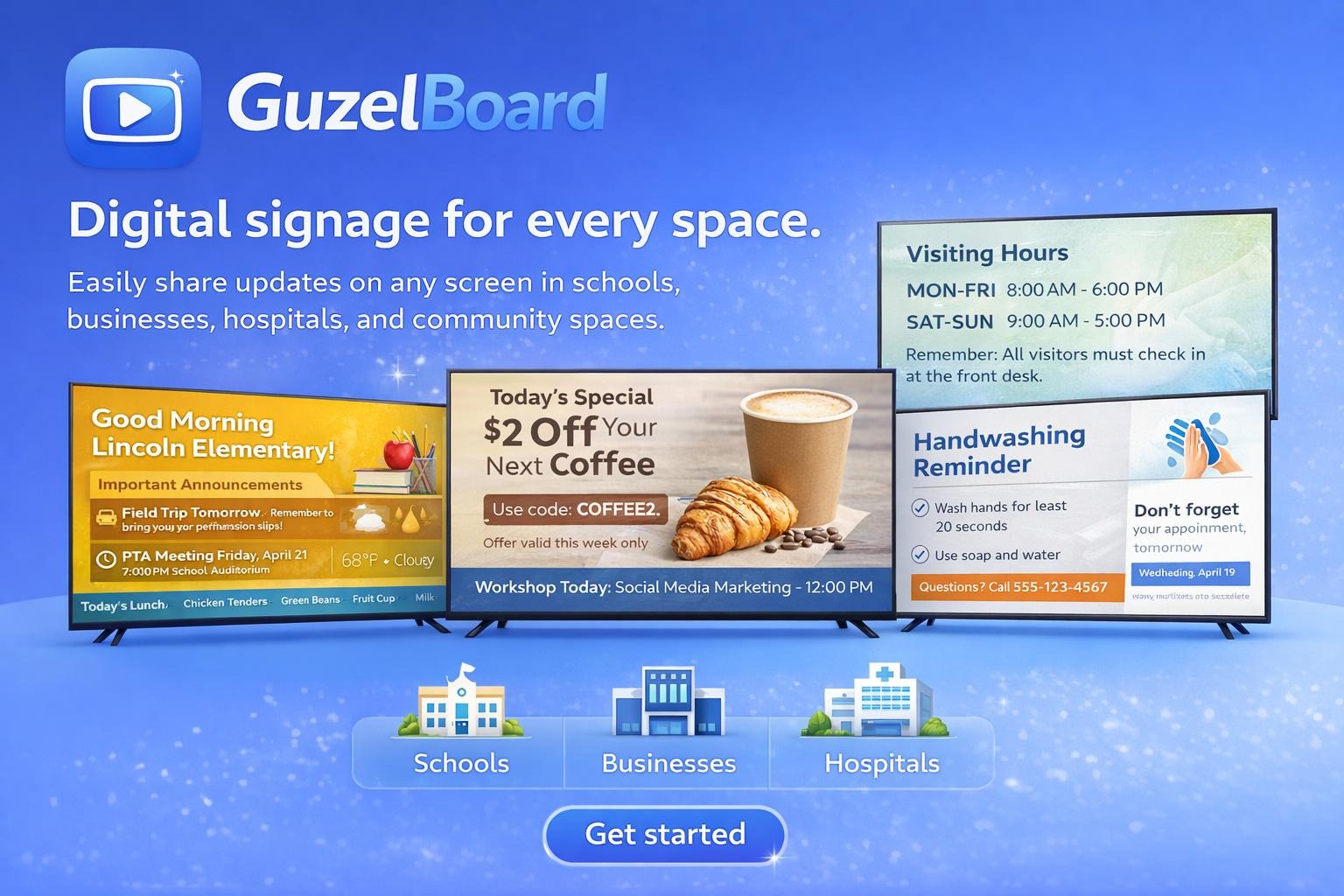
Digital signage for businesses and organizations of all types.
Campus events, clubs, and announcements.
Menus, daily specials, and promotions.
Inspirational quotes and community updates.
Sales, hours, and new product arrivals.
Corporate updates beyond boring email.
Live websites and data dashboards.
Wellbeing tips and patient information.
Machine guides, class schedules, motivation.
Here's how different organizations can use GuzelBoard.
A cultural center in Vermont uses GuzelBoard to display inspirational quotes and community event announcements on screens throughout their building — managed entirely by volunteers with no tech background.
A campus IT team could install GuzelBoard on a Fire TV Stick in the student center and dining hall, displaying live event calendars, club announcements, and emergency alerts — all updated remotely from one web panel.
A restaurant owner with three locations could manage all their menu boards from a single dashboard — updating daily specials, rotating promotions, and seasonal items without visiting each store.
An office manager could replace static bulletin boards with a $30 Fire TV Stick running GuzelBoard — displaying company news, KPI dashboards, and meeting room schedules that stay up even when the WiFi drops.
One screen free forever. Affordable plans when you need more.
View PricingDownload the free GuzelBoard digital signage app from your device's app store.
These apps are installed directly from the app store on your device (Fire TV, Android TV, or tablet) — not from a computer browser. Open the appropriate app store on your device and search for "GuzelBoard", or use the links below on your device.
From unboxing to displaying in under 5 minutes.
Download the free app on your Android TV, Fire TV, or tablet.
Log in to the web panel and upload your images, URLs, or content.
Your screens light up instantly. Manage everything remotely.
Create your free account to manage your screens, upload content, and control everything remotely.
Register NowFind GuzelBoard on your device's app store — it's completely free.
Starting under $30, it's the most affordable way to get digital signage running on any TV with an HDMI port.
Browse Fire TV Sticks on Amazon →Simple plans. No surprises.
No credit card required. No commitment — cancel anytime.
Frequently asked questions about GuzelBoard. Have another question? Get in touch.
Install the free GuzelBoard app on your screen-connected device, register for our website to connect your device to our web interface, and then upload content that will display on your device.
Yes! Our free plan covers one screen forever. Need more? Upgrade to one of our paid plans anytime.
We are a US-based company headquartered in Vermont. Our servers are also based in the United States.
We followed the 80/20 rule — we focused on the core features most customers actually need and built a very easy-to-use interface.
We recommend an Amazon Fire TV Stick (often under $30) or check our compatible devices.
Not yet — we're exploring selling pre-installed HDMI sticks. For now, an Amazon Fire TV Stick works great.
Yes! Organize content into "categories" and assign different categories to different devices.
Yes, the app works with our web interface. Register and link your device to start displaying content.
None. Cancel your monthly plan at any time.
Step-by-step video guides to set up and manage your digital signage with GuzelBoard.
Questions about our digital signage software or service? We'll respond as soon as possible.